TripPass Connect Station
Connect. Scan. Explore.
The TripPass Connect Station gives attendees a simple physical starting point for the entire event experience. Connect to event Wi-Fi when provided, scan the QR code, and instantly open TripPass Event on your phone.
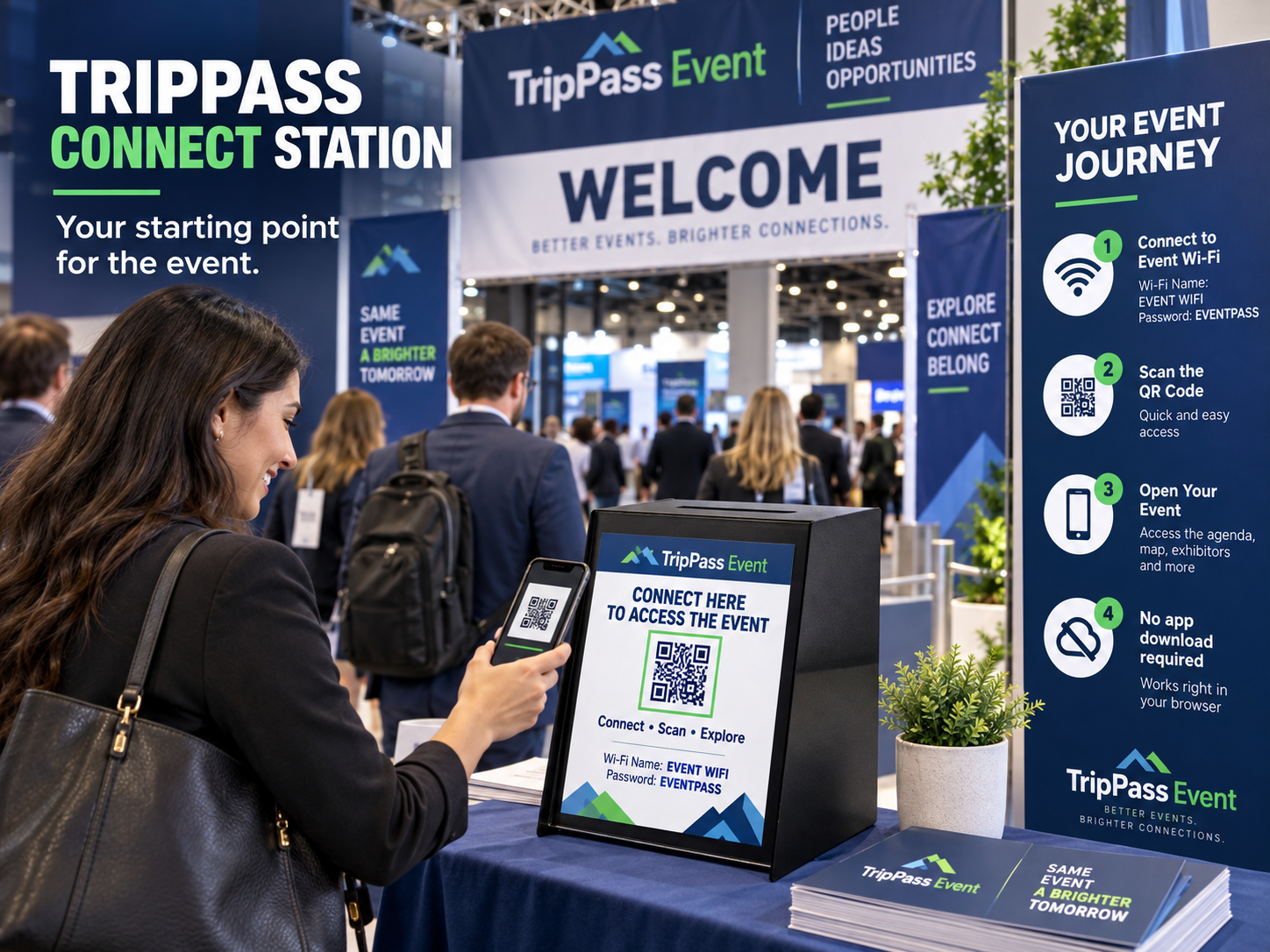
Find it. Connect. Scan. Enter.
TripPass Connect Station bridges the physical event and the digital event experience. Instead of asking attendees to search for an app or locate an old registration email, organizers provide one visible place where attendees can connect, scan, and immediately enter the event.
1 · Find the station
TripPass Connect Station
A branded station in the entrance area. Attendees see one obvious place to start instead of hunting for an app or an old registration email.
2 · Connect
Connect to event Wi-Fi
When dedicated event Wi-Fi is provided, the network name and password are shown on the station sign. Organizers can customize or hide these.
3 · Scan
Scan to open your event
A large QR code opens your specific event directly in the attendee's mobile browser. No download, no account.
4 · Enter
The event welcome screen
Schedule, exhibitor directory, floor plan, seminars, sponsors, marketplace, announcements, saved exhibitors and sessions, and My Event.
The station sign
Every station carries a printable 8.5 × 11 sign generated from your own event. Organizers download it from the TripPass organizer portal and drop it into the station's sign holder.
- Event name and logo
- Wi-Fi network name and password, or hidden when no event network is provided
- A large QR code that opens your event
- The event URL printed underneath as a backup
- Sponsor line and optional TripPass branding
- Footer: no app download required
Organizers: the sign lives under Connect Station in the event portal, with a Download Connect Station Sign button.
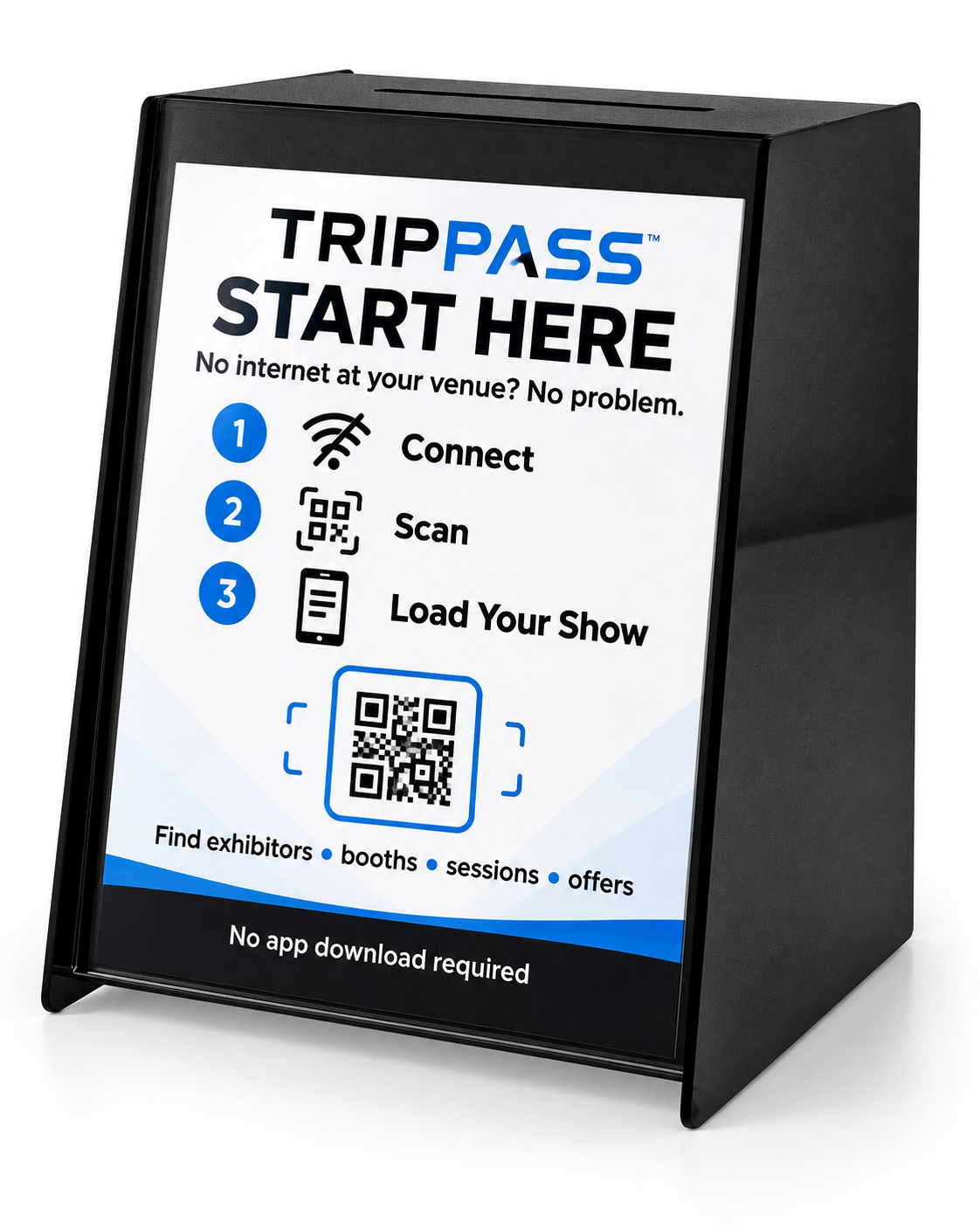
What is in the station
This is not a router in a box. It is the physical gateway to your event experience — but it does hold real equipment, sized to the venue.
Enclosure
Secure and visible
Connectivity
Hotspot or cellular router
Reliability
Cellular still works
TripPass shows whether the station is configured, the QR code and event URL are active, and the sign has been generated. It does not monitor router uptime, cellular signal, battery condition or internet availability.
Use it to sell the show
The Connect Station works with the TripPass demo event too. Put the station on a table at a sales meeting or an industry conference, let a prospect scan the demo QR code with their own phone, and they walk a realistic sample show in seconds — no live customer event required. Demo environments are labelled TripPass Event Demo.